



The October 26 Release Facts
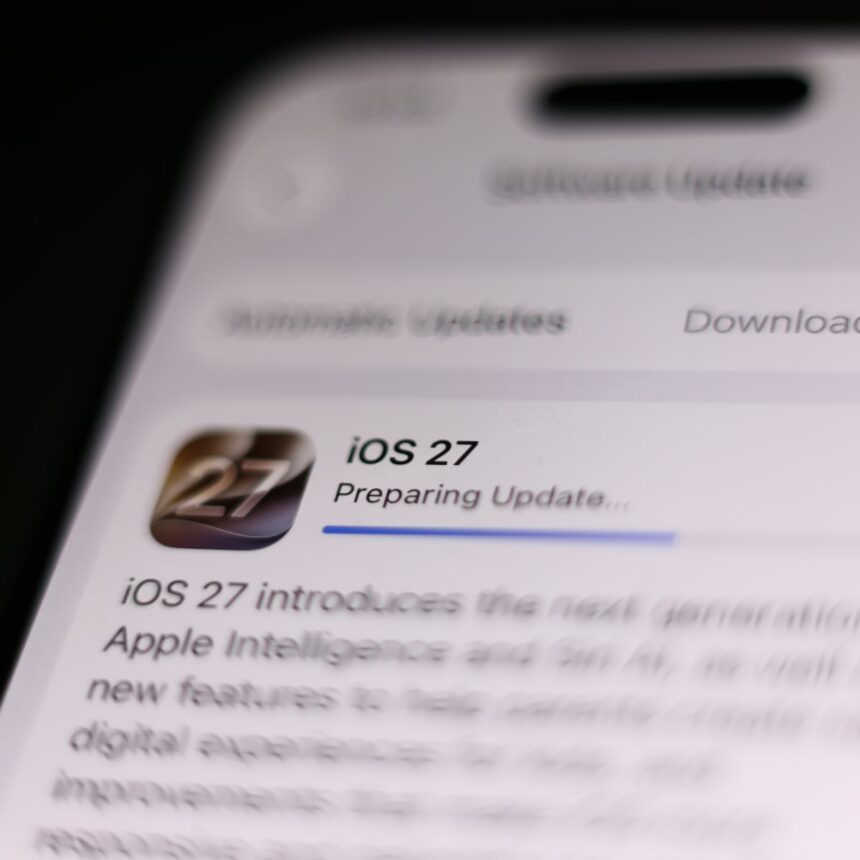
The rollout of iOS 27.2 occurred on October 26, 2026, according to reports from 9to5Mac. The update serves as the primary follow-up to the initial 27.0 release.
Apple bypassed a public 27.1 release entirely, according to AppleInsider. This decision suggests an accelerated internal development cycle for the 27.2 build.
The update is now available for download across all supported iPhone models. Users can initiate the installation through the standard software update menu in their phone settings.
While the update delivers on several promised AI and hardware integrations, the absence of the Health app overhaul remains the most discussed aspect of the release.

New Features and Hardware Support
Siri received significant upgrades in this release, including new context recall capabilities. These features allow the assistant to better track user intent across multiple requests. Express Entry changes
Language support for Siri has expanded to include French, Japanese, Korean, Portuguese, and Spanish, according to MacRumors. This broadens the accessibility of the AI tools for global users.
FaceTime now supports Dual Capture, a feature that allows users to utilize the front and rear cameras simultaneously. This is designed for creators who need to capture their reactions alongside their surroundings.
The update also introduces specific support for the new iPhone Duo, including integration with the latest Apple Pencil models. This marks a further convergence between Apple’s mobile and tablet accessory ecosystems.
- Siri AI context recall for improved request handling.
- Expanded Siri language support for five major global languages.
- FaceTime Dual Capture for simultaneous camera usage.
- Native Apple Pencil support for the new iPhone Duo hardware.
The Missing Health App Redesign
The most notable omission from iOS 27.2 is the redesigned Health app. Apple had included the interface changes in several earlier beta cycles, according to AppleInsider.
The redesign was expected to simplify data visualization for heart rate and sleep tracking metrics. Its removal from the final build suggests that the company encountered stability issues during the late stages of testing.
By pulling the feature, Apple avoids potential data-syncing bugs that could affect critical health monitoring. The company has not provided a new timeline for when these interface changes might appear in a future update.
Users who relied on the beta version for the new interface will find their Health app reverted to the standard 27.0 layout. This ensures that all users remain on a consistent and tested software architecture.
Apple removed the redesigned Health app from the final iOS 27.2 build after testing it in earlier beta cycles.
AppleInsider
Analysis of Apple’s Cautious Strategy
Launch Len Media observes that Apple is increasingly prioritizing feature stability over the rapid deployment of promised innovations. The removal of the Health app redesign is a clear example of this risk-averse approach.
Some analysts argue that this caution prevents the introduction of bugs that could compromise sensitive health data. By delaying the interface update, Apple maintains the integrity of its most critical user-facing applications.
Conversely, critics suggest that pulling features late in the cycle creates confusion for users who follow beta testing news. The gap between expectation and reality can lead to frustration among power users.
Despite these criticisms, the strategy remains effective for maintaining a high level of system reliability. Apple appears willing to sacrifice short-term excitement for long-term platform trust.
What You Can Do Now
You should first back up your iPhone to iCloud or a local computer before initiating the iOS 27.2 update. This protects your data in the event of an unexpected installation error.
Navigate to Settings, then General, and select Software Update to check for the availability of the patch on your device. Ensure you are connected to a stable Wi-Fi network to avoid data charges.
If you are a user of the iPhone Duo, verify that your Apple Pencil is paired correctly after the update completes. You may need to re-sync the accessory to enable the new features.
Monitor official Apple support pages for future announcements regarding the Health app. The company often releases minor point updates to address features that were held back from major releases.
Frequently Asked Questions
Is the Health app redesign available in iOS 27.2?
No, the redesign was removed from the final build of iOS 27.2 despite appearing in earlier beta versions.
Which languages does the new Siri AI support?
Siri now supports French, Japanese, Korean, Portuguese, and Spanish in addition to existing language options.
How do I use the new FaceTime Dual Capture feature?
You can access Dual Capture within the FaceTime interface during a call to activate both the front and rear cameras at the same time.
See Apple’s official release notes on iOS updates for the full list of changes.